After you have completed the first count, you can verify the same using the 1st count completed option.
To verify first count completion:
1. Navigate to Operations > Inventory Management > Cycle Counts > 1st Count Inquiries > 1st count completed.
The Closed Cycle Masters Inquiry dialog showing all the completed first counts will display.
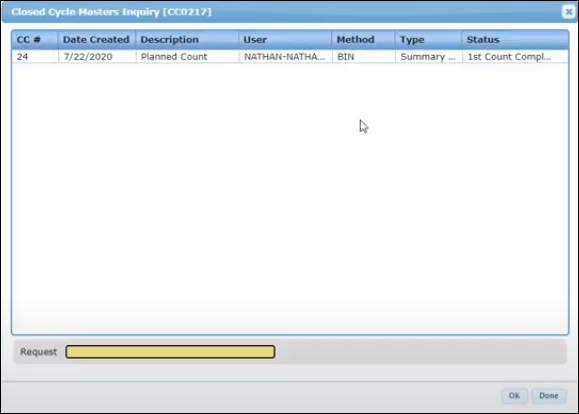
2. To view any discrepancies in counting, click the cycle count.
The Cycle Count Discrepancy Inqy dialog will display.
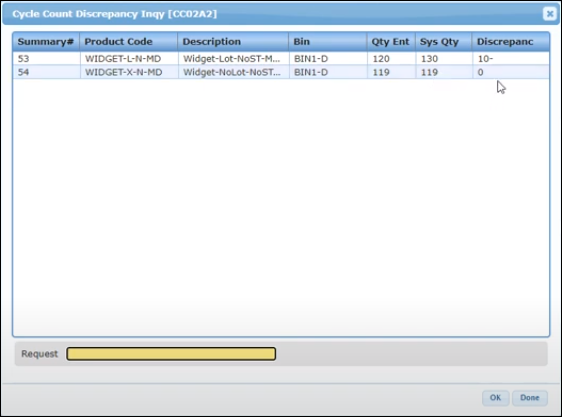
If there are any discrepancies in counting, then the system will automatically create a second count. To view the second count, refer to Planned Recount Queue.