You can cancel cycle counts using this option. To cancel a cycle count:
1. Navigate to Operations > Inventory Management > Cycle Counts > Cycle Count Processing.
The Cancel Cycle Count dialog will display.
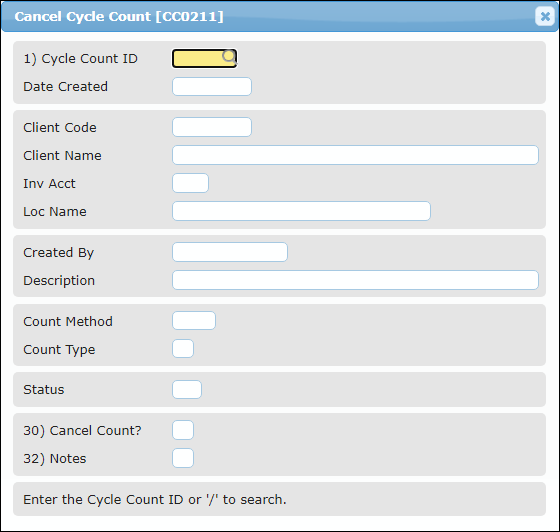
2. Enter the Cycle Count ID.
The Cancel Cycle Count dialog will display.
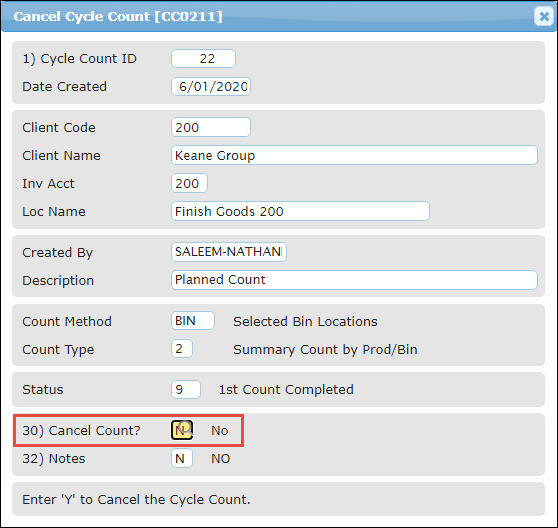
3. Enter Y in the Cancel Count? field and press Enter.
The cycle count will be cancelled.