You can select multiple receipts and post them using this option.
To post multiple receipt(s):
1. Navigate to Operations > ARN/Receipt Processing > Receipt Processing > FINAL RECEIPT POST.
The MULTI - SELECT Receipt Post dialog will display.
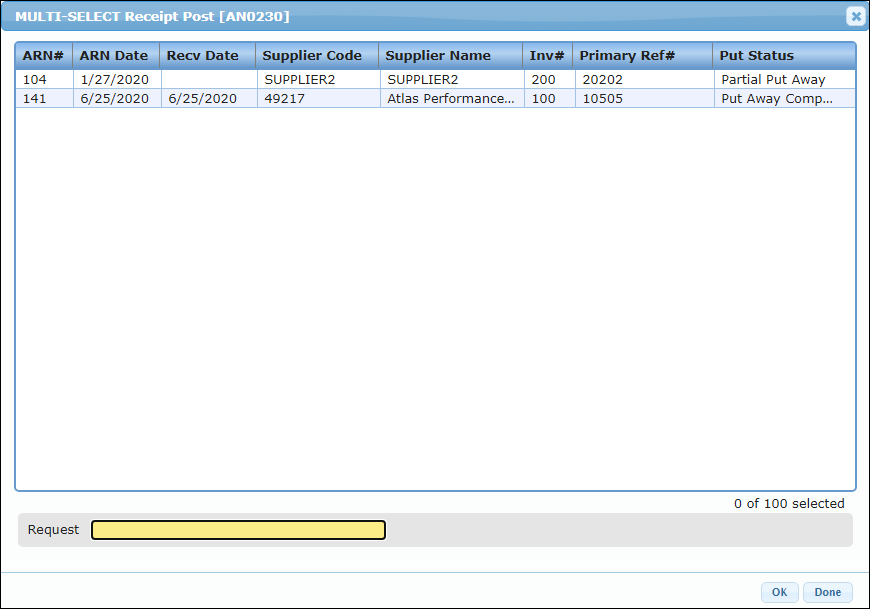
2. Select the receipt(s) that you want to post and click Ok. To select multiple receipts, hold down Ctrl key on your keyboard and click the receipts.
Or double click on the ARN. Once posted, the ARN will be removed from this list.
The selected receipt(s) will be posted.