To de-allocate a single order:
1. Select the "De-Alloc by Order#" allocation option.
2. Enter or select the Order# and the order's main header information is displayed for confirmation.
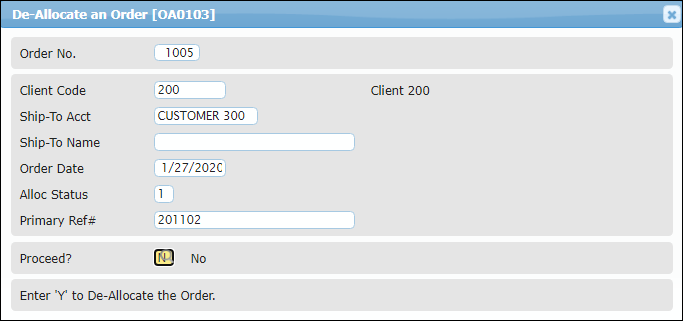
3. At the "Proceed?" prompt, type "Y" Enter to run the de-allocation process on the indicated order.
4. After the de-allocation process runs, the status result of "Unallocated" is displayed.
5. Press Enter to return to the "Order No." prompt where the next order may be entered for de-allocation, or press ESC to return to the Order/Shipment Processing menu.