To allocate a single order:
1. Select the "Alloc by Order#" allocation option.
2. Enter or select the Order#.
The order's main header information is displayed for confirmation.
3. At the "Proceed?" prompt, type Y Enter to run the allocation process on the indicated order.
4. After the allocation process runs, the status result is displayed.
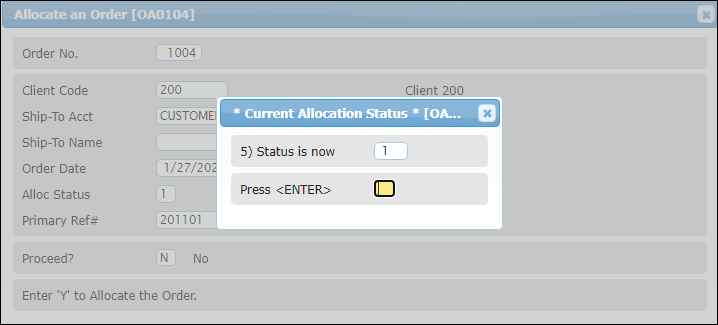
Press Enter to return to the "Order No." prompt where the next order may be entered for allocation, or press ESC to return to the Order/Shipment Processing menu.